Measurement Tracker
 *The live site is on a free Heroku dyno, so the server goes to sleep after 15 minutes of inactivity. Please be patient with it; it's fast once it gets started =)
Background
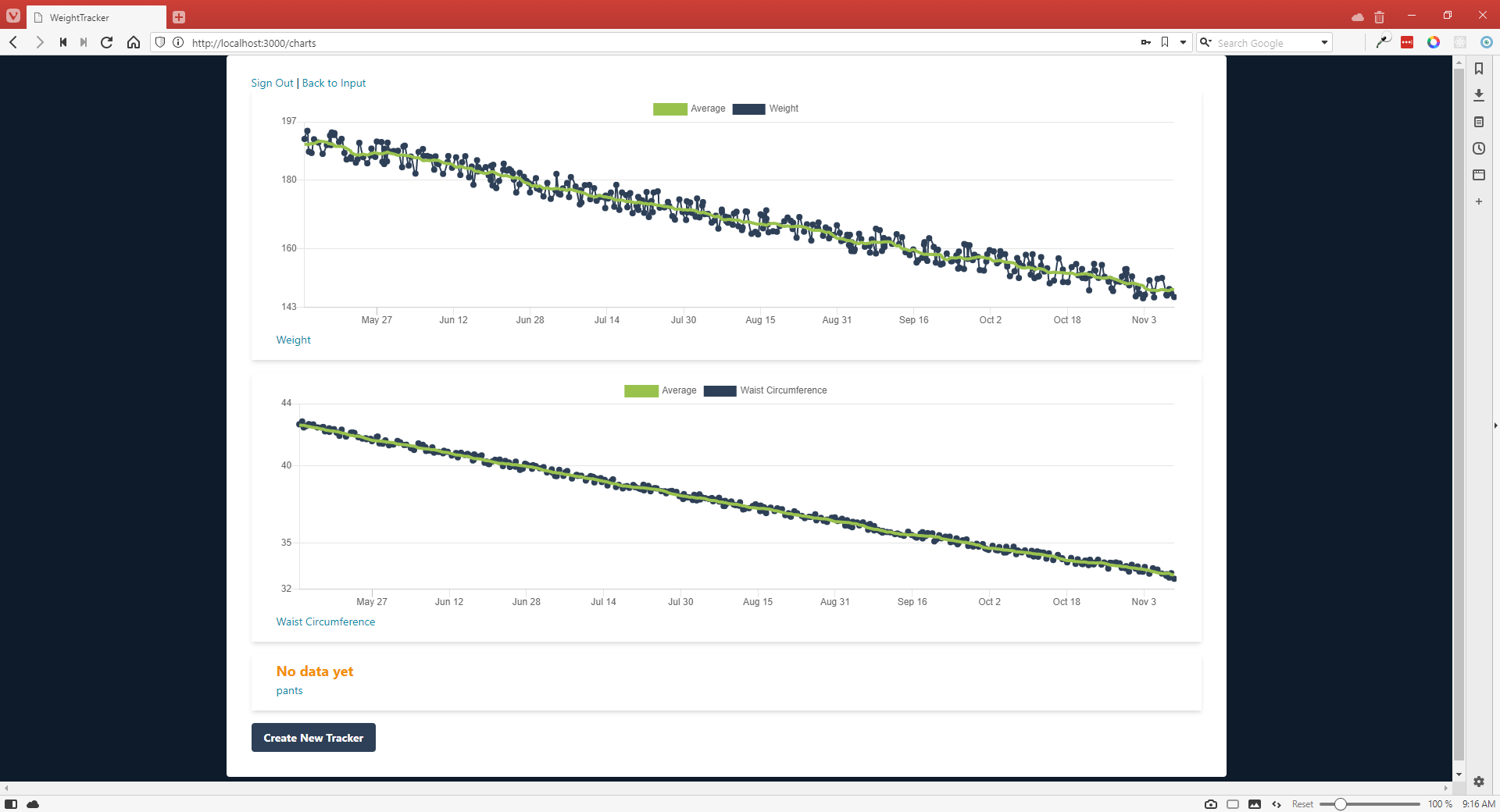
I wanted a way to easily keep track of my measurements. I considered making a Google form and adding it to my phone's home screen and using a complicated Google Sheets formula to automatically graph new data and average things out, but I decided against that. This app allows me to enter data whenever and as often as I would like and automatically graphs it and shows me average values so I can get a better feel for the data trend at any given time. What's more, I have some friends who were interested in tracking their measurements as well, so I used Devise authentication to allow multiple users to have separate data.
Project Objectives
- Learn authentication with Devise
- Learn how to update multiple models at once in Rails
- Find some good Ruby gems
- Use a CSS framework
What I Learned
This was only my second Rails project, but I wanted to be able to use it as soon as possible, so I tried to stay within what I knew I could do while also making a UX that felt right to me.
- The gems chartkick and ruby-measurement. I may add a feature to ruby-measurement to group measurements and not display the whole list
- Authentication using Devise. It seems to be the go-to option for Rails, and after this I think that is because of its customizability. There is still plenty for me to learn about it if I want, even though I have a basic grasp of it now
- Milligram (though I didn't use it for the final release)
- Tailwind CSS (but there is still a lot of work to do there before it looks good on most devices)
Project Shortcomings and Obstacles
This project has been easier than the Animal Crossing Tracker. I was less ambitious with the features, so that makes sense. However, I did solve some problems in this project that I could not solve in the other.
First is updating single or multiple ActiveRecord objects from a single form. Maybe I've spent too much time on the internet and now I can see the code or something, but when designing the data input page, I could feel how it should work. The user should be able to enter data into any of their trackers and then submit it all with one button press. By default in Rails, one would expect to go to a page for each tracker, create a new data point, enter a value, and then repeat. But I really needed this to be simple.
It did take a little while to figure out, but I eventually got it working. Another problem I ran into I was less patient with. The first CSS framework I used was Milligram, which is beautiful and effective and not what I wanted exactly so I stopped using it. After looking around, it seemed like Tailwind CSS was favored by the Rails crowd. However, I had never done any responsive CSS, so I ended up getting the site's features working long before I got its design working.
At first I didn't understand how Tailwind was supposed to work, since it seemed very much unlike CSS I had done prior. Now I have got the hang of it more, but I haven't gone back and made the design work well on most devices.